Stream order updates
Receive live order, trade and portfolio updates for the accounts an adviser manages, without polling.
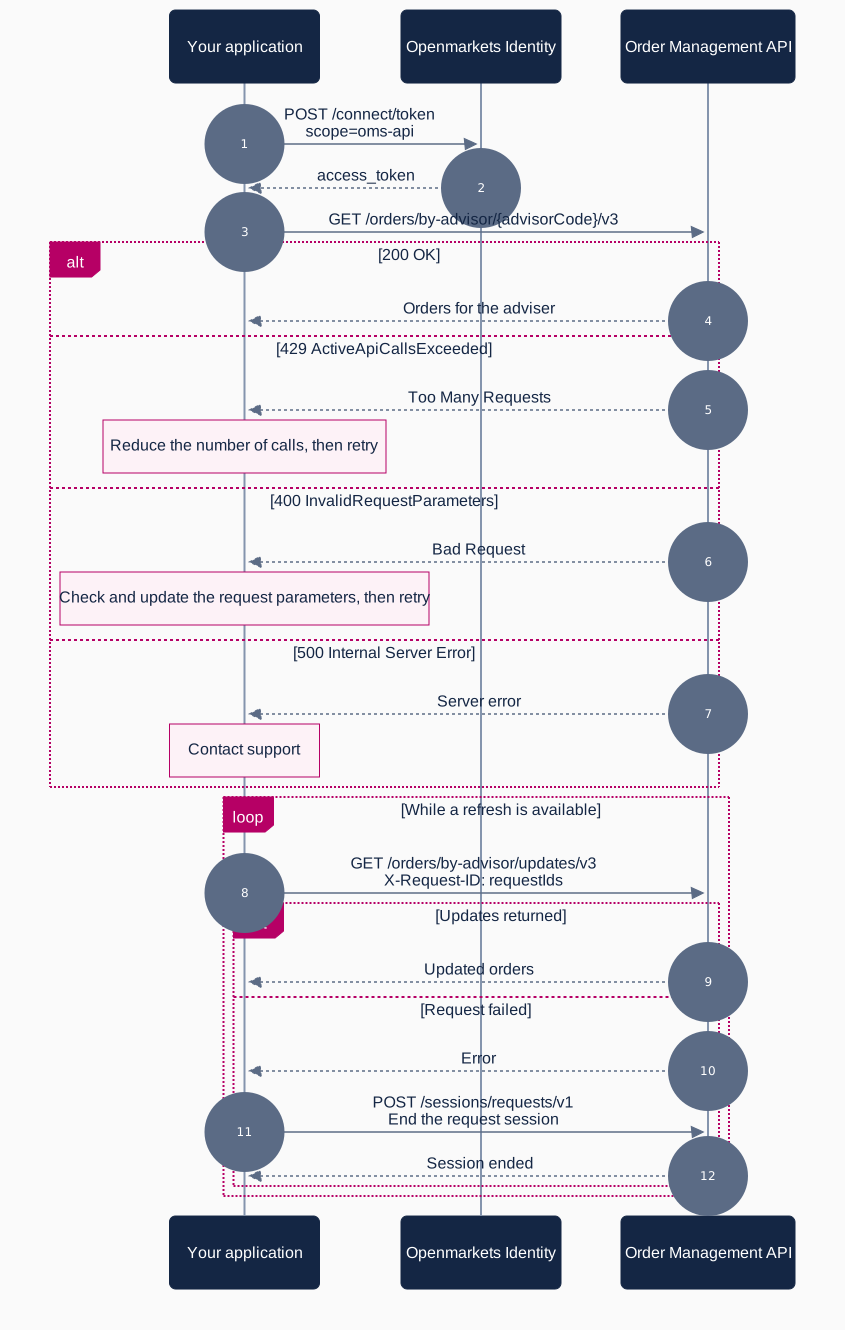
Flow
What you need
| Requirement | Detail |
|---|---|
| Scope | oms-streams-api |
| API | OMS streaming |
| Base URL (test) | https://test-oms-streams-api.openmarkets.com.au/ |
| Protocol | SignalR with MessagePack |
Steps
- Build the connection. Point a SignalR client at
/streamson the OMS streaming host with an access token provider. See OMS streaming. - Register handlers first. Attach handlers for
OrdersUpdatedandTradesUpdatedbefore starting the connection. - Start the connection, then invoke
SubscribeToOrderUpdatesandSubscribeToTradeUpdates. - Resubscribe on reconnect. Subscriptions do not survive a dropped connection, so resubscribe in the
Reconnectedhandler. - Filter by adviser. Updates arrive for your business. Use
advisorCodeon the incoming payloads to route updates to the right adviser in your application.
You receive orders created during the current trading day and associated with your business ID. For historical orders, use the REST endpoints on the Order Management API.
Starting an order updates flow with the AllOrdersForToday filter before 4AM returns invalid order values. Start the flow after 7AM. See Known issues.